Builder

Build browser automations in natural language while watching a live cloud browser.

What Is Builder?

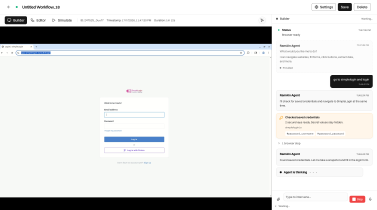
The Builder is where you teach a workflow what to do. You chat with the Ramain agent; it controls a live browser on the left and logs every action in the chat on the right.
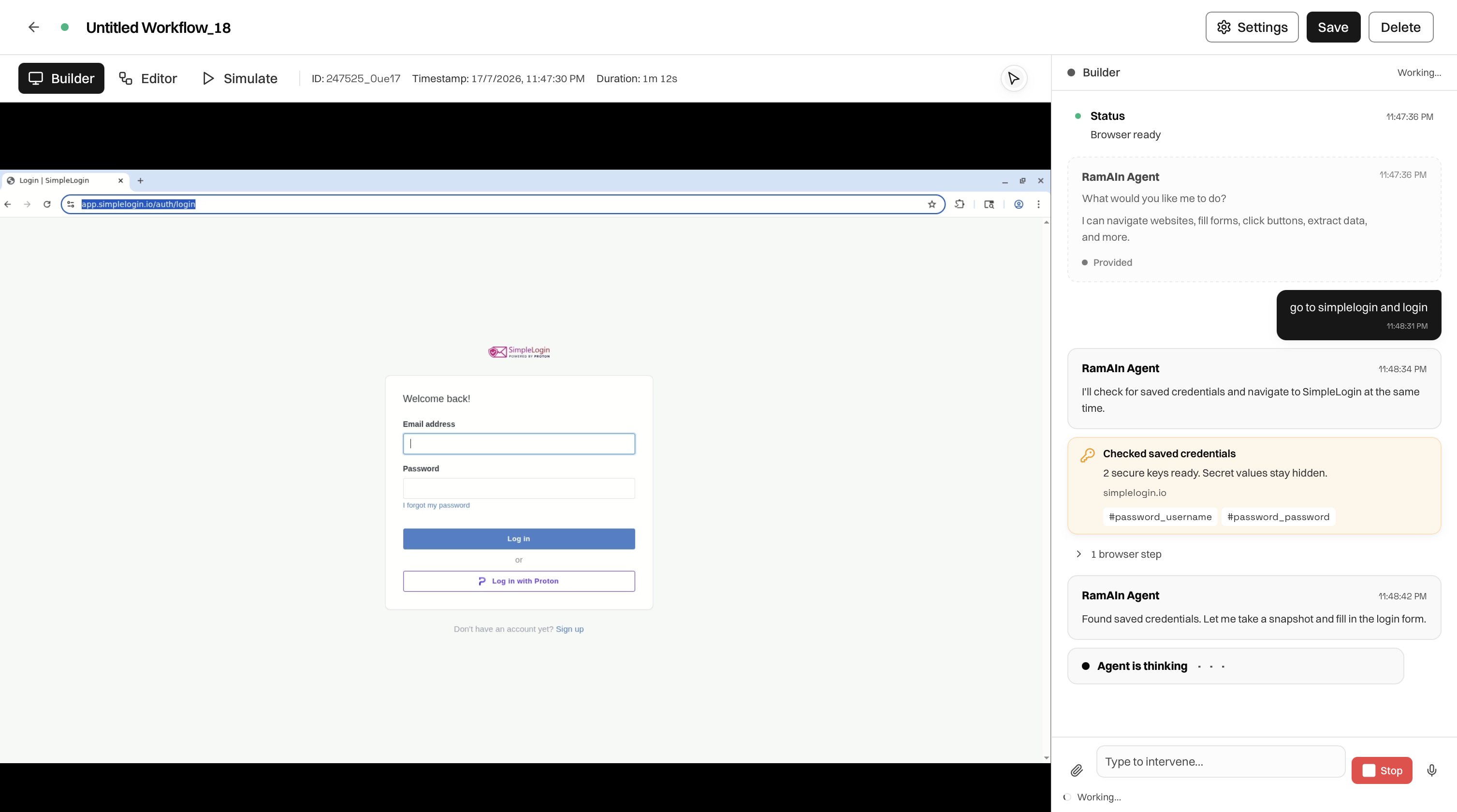
Ramain Builder with a live browser and agent chat

Layout

Live cloud browser on the left side of Builder
LEFTLive cloud browser: navigate sites and fill forms.
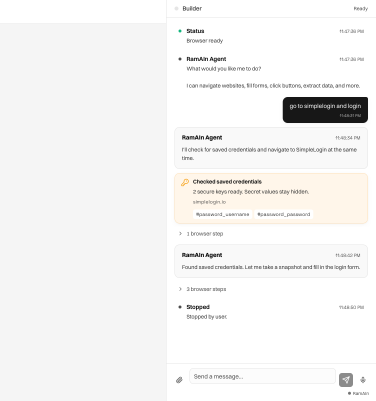
Ramain agent chat on the right side of Builder
RIGHTAgent chat: instructions, browser steps, logs, and intervention.

How Authoring Works

  1. Wait until the chat shows the browser is ready.
  2. Describe the task in plain language, for example, “go to simplelogin and login.”
  3. Watch the agent navigate and act. Expand browser steps in the chat to inspect each action.
  4. Keep sending messages until the full happy path is complete.

The agent can use saved credentials from Passwords. When it finds matching keys for a site, a credential card appears in chat. You do not need to paste passwords into the message.

Header Actions

PageWhat it covers
TabsChat-driven authoring with a live browser
SettingsModel, proxy, stealth, and other runtime options
SavePersist progress without publishing
DeleteRemove the workflow

Stop And Session Control

  1. Stop the current agent turn from the chat rail.
  2. Terminate the browser session from settings when you are done authoring.
  3. Switching tabs does not kill the session. The browser stays attached.

After Builder

When the automation succeeds, open Editor to review the compiled graph. Use Editor for the short path and end-to-end testing before publishing.

Was this page helpful?