
Email Inbox
Read workspace email threads, attachments, and use the address for triggers and OTP handoff.
Use Your Workspace Address
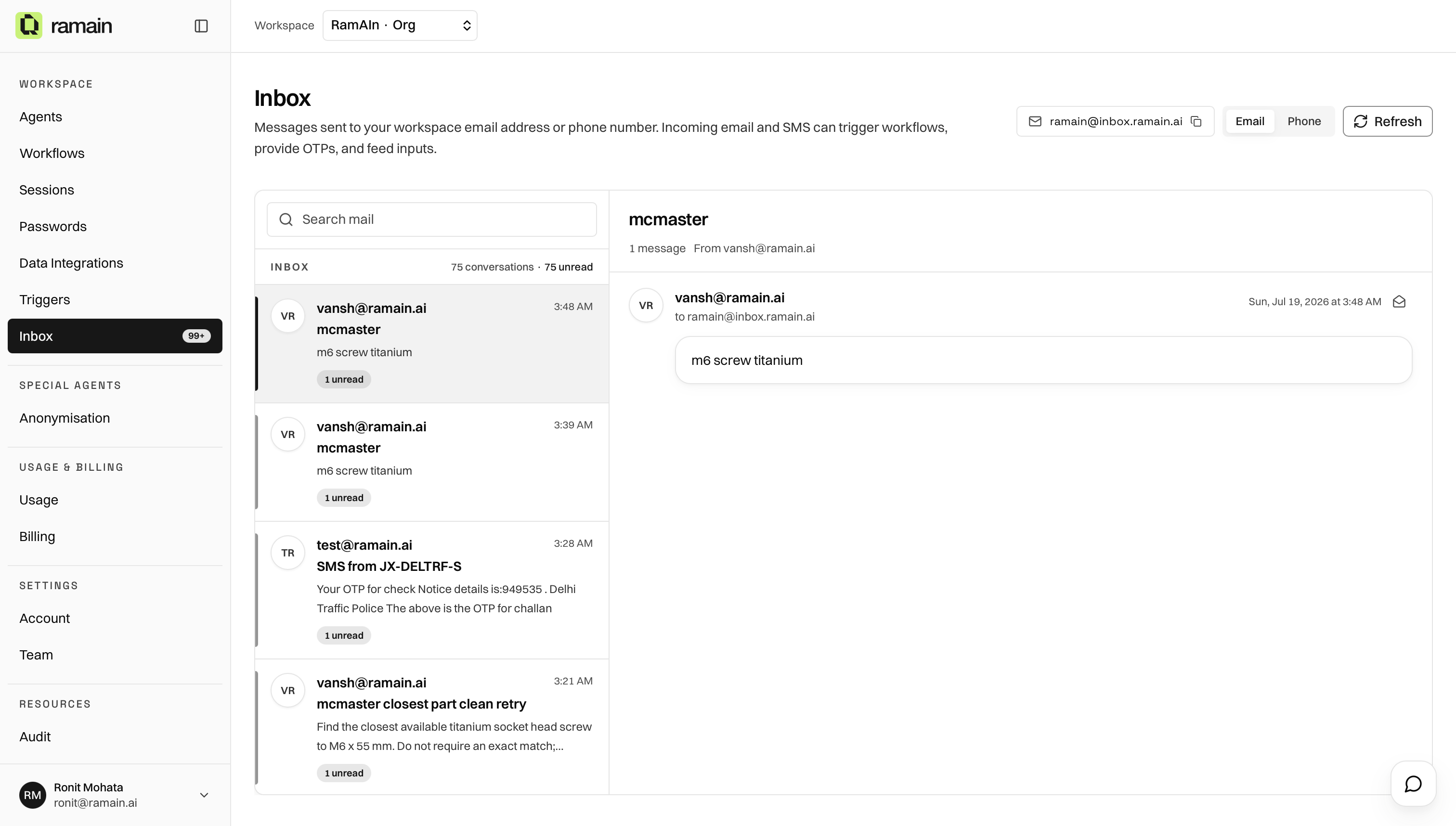
Your workspace has an inbound address such as ramain@inbox.ramain.ai. Copy it from the Inbox header and share it when you want mail delivered into Ramain.
Browse Threads
- Stay on the Email toggle.
- Select a conversation in the left list.
- Read the thread in the right panel, including participants, body, and attachments.
List cards show sender, subject snippet, time, message count, attachment count, and unread count.
Attachments
Open a thread and scroll to the attachments section to preview or download files sent with the email.
How Email Connects To Workflows
Was this page helpful?