
Phone Inbox
Use a workspace phone number for SMS. Texts can supply OTP codes when a workflow needs them.
Switch To Phone
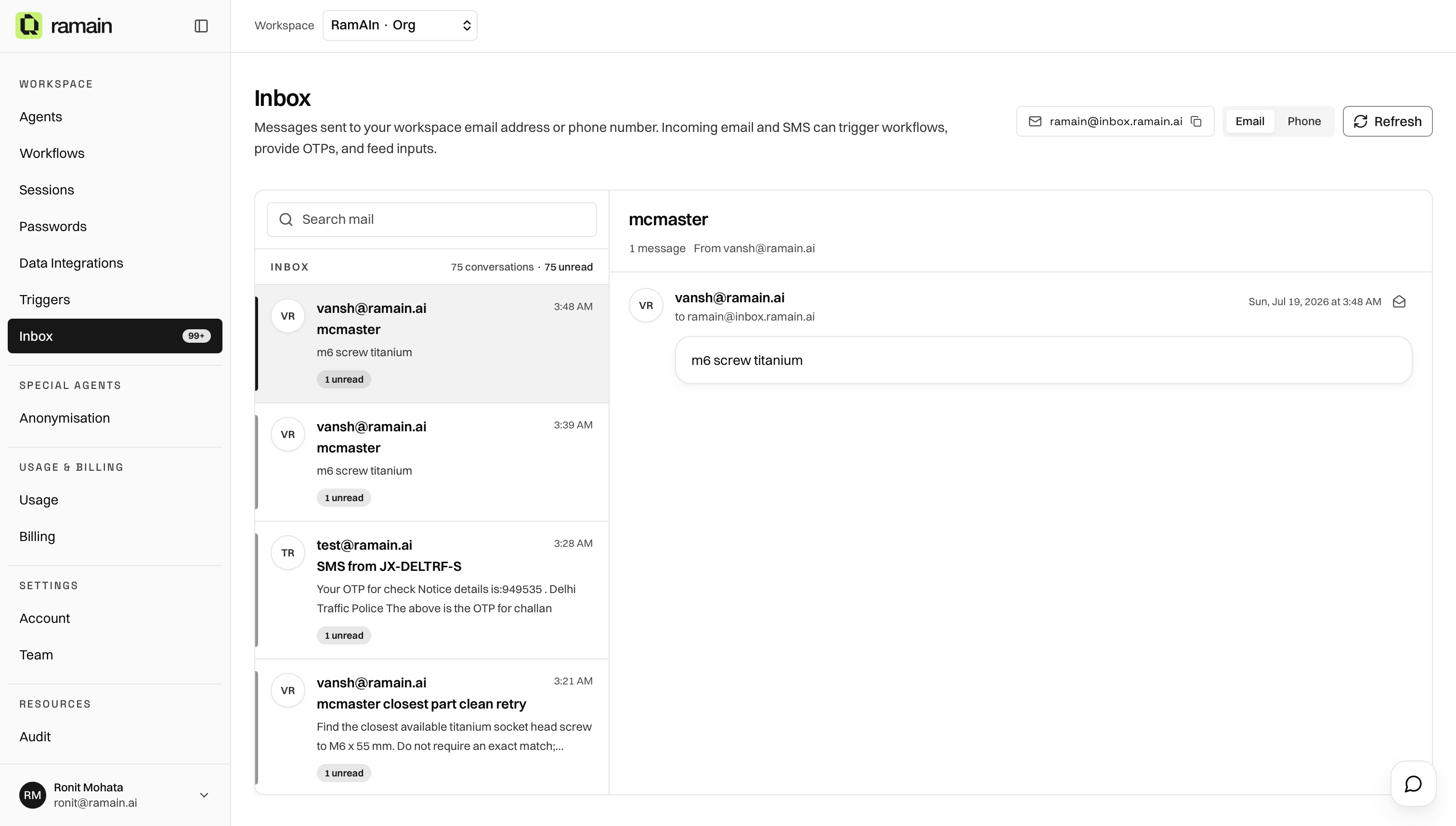
On the Inbox page, switch to the Phone toggle.
Enable Phone Inbox
If phone is not enabled yet, the Phone view shows an opt-in card:
- Click Enable phone inbox to assign a dedicated US number.
- Credits are charged for activation and each received message.
- Once enabled, SMS threads appear in the same list/detail layout as email.
Phone inbox may be unavailable on some deployments.
SMS Forwarding
When enabled, messages can also be sent to an email address—often your user email. Use the Phone view controls to toggle forwarding.
OTP And Workflows
Workflows that expect SMS verification can read codes from the workspace phone inbox when instructed. Keep the number available to the systems that send OTP texts.
Was this page helpful?