
API Triggers
Launch an enabled workflow from code, scripts, or external systems with an API key.
Launch Programmatically
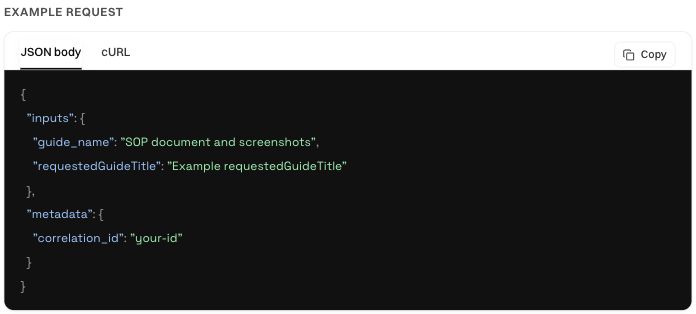
Open Documentation in the application, select the saved workflow, and inspect its request schema and generated example.
What You Get
- A launch request for
POST /api/v1/automations/:workflowId/runs - Copy curl to paste the command into a terminal or script
- An input prompt you can pass into another coding agent or LLM
- A note showing which API key prefix the example uses
Copy the complete API quickstart and polling examples →
Setup
- Create an API key under Resources → API keys if you do not have one.
- Open Documentation and select the workflow.
- Copy the request example, provide your full API key on your server, and use the declared input fields.
Was this page helpful?